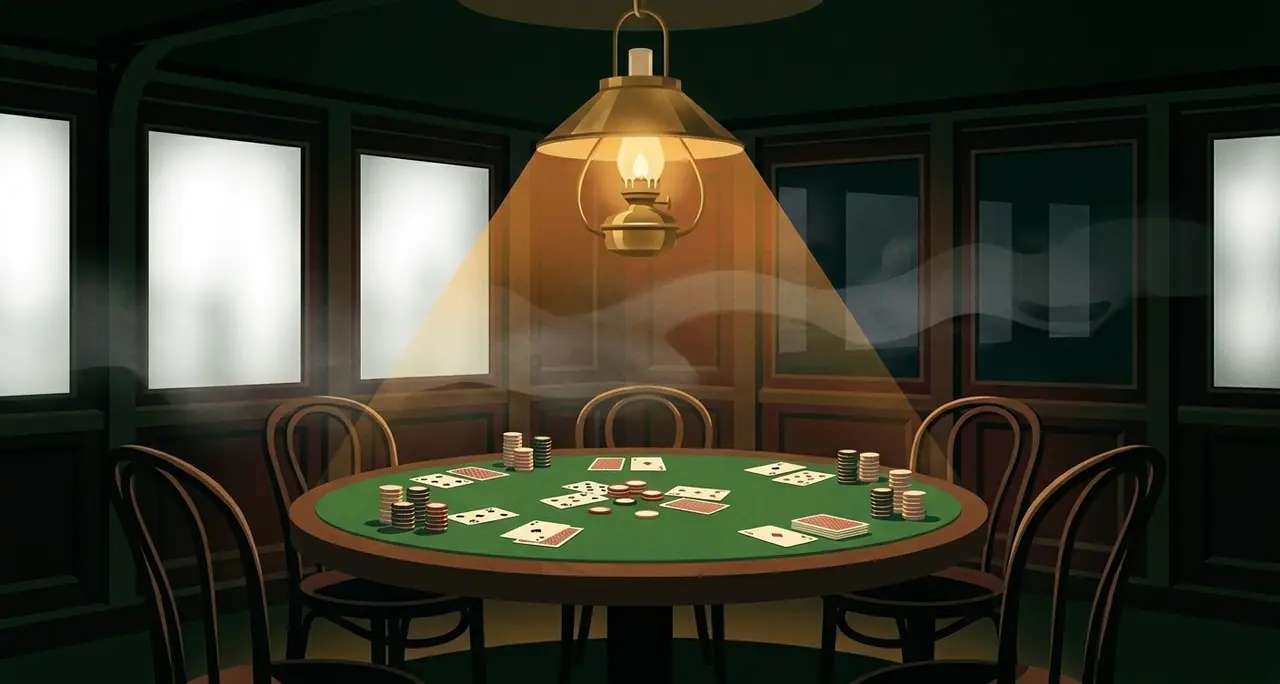
Most party games break over a video call for the same reason: they need a shared surface. A board, a deck in the middle, a piece of paper passed around. The moment that surface has to be one person's webcam pointed at a table, the game is being played by the person with the camera and watched by everyone else.
A murder mystery does not have that problem, and it is worth being precise about why. The thing that has to stay secret in this game is not on the table. It is on each player's own phone — their character, their cards, the one line they have to say and the things they are hiding. Nobody needs to see anybody else's screen. What everyone shares is the conversation, and a video call is very good at conversation.
So this plays over Zoom, FaceTime, Meet, Discord — anything that carries five or six faces and their voices. Here is how to set it up, and the one thing to get right.
Everyone needs their own screen
This is the whole requirement, and it is the one that trips people up. Around a physical table, a murder mystery like this already gives each person their own phone; the call does not change that, it just spreads the phones out across cities. Each player joins the room from their own device — a phone, a tablet, a laptop, it does not matter — and that device holds their secret half of the game.
What you must not do is share a screen. The instinct on a video call is to put something up for everyone. Do not put the game up. A screen-share of one player's phone would show the whole call that player's character and cards, which is the one thing the evening runs on hiding.
The host opens the room; everyone else joins
One person is the host. They pick a case and open a room, and they get a six-letter code and a link. Everyone else on the call joins with it — and the fastest way to hand it out on a video call is not to read it aloud. Hold the code up to the camera, or drop the link in the call's chat. Both are quicker than spelling six letters to six people at once.
Once everyone is in, the host deals the roles, and the evening starts. From there the call is doing what it is good at: six people talking, accusing, defending, changing their minds out loud.
The shared screen is the one thing you can put up
There is exactly one screen in this game with nothing secret on it, and a video call is the perfect place for it. It shows only what the whole table already knows — the public dossiers as they land, the round, the clock — and never a private card, never a role, never a vote in progress.
That screen is built to be shared. If your call software lets one person share a browser tab, this is the tab to share: it gives everyone a common thing to look at without giving anyone an advantage. It is optional — the game is complete without it — but on a call it is the closest thing to a board in the middle of the table, and it is the only board that is safe to show.
What actually changes over a call
Less than you would think. The reading of faces is a little harder and a little funnier — a bad lie reads differently in a grid of six squares than across a table, and people lean into that. The accusation at the end still lands. The argument in the taxi home becomes the argument in the group chat, which is arguably an upgrade.
The two things to mind: get everyone onto a stable connection before you deal the roles, and pick a case that seats the number of people actually on the call. Below four players the game will not deal the roles, and that is on purpose — three people cannot carry an evening of suspicion.
If you want the step-by-step for a specific app, there are short guides for playing over Zoom and playing over FaceTime. They cover the same idea with the buttons named.
Start with the free one
The Eclipse is free, seats four to six, and runs about half an hour. It is the whole game with nothing held back — the right thing to open on a call to find out whether this is how your group wants to spend an evening apart.